
Arabic Keyboard Stickers vs Learning Touch Typing: Which Works Better?
Arabic keyboard stickers solve a narrow problem but can delay real touch-typing skill. Here's what actually works instead, and why.
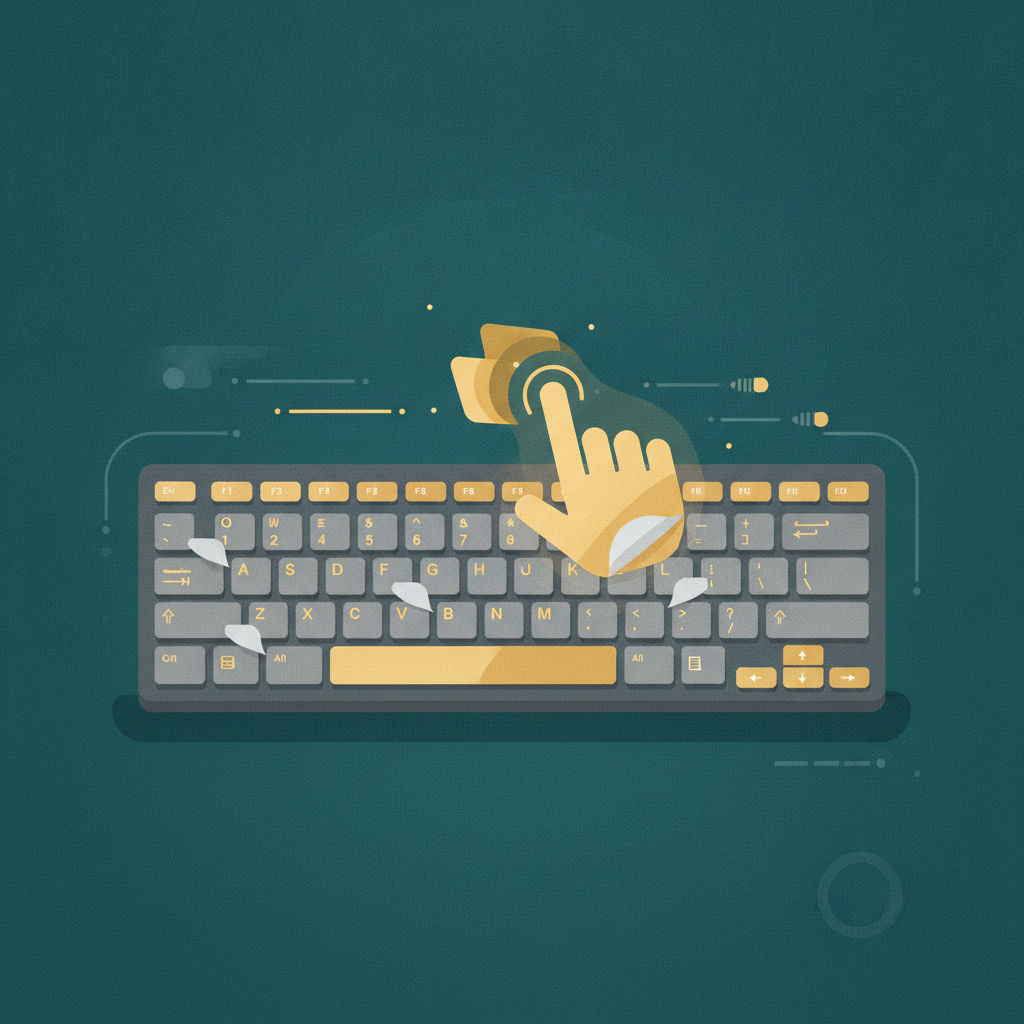
Faced with an unfamiliar Arabic keyboard, the instinctive fix for many beginners is a set of adhesive Arabic letter stickers for their existing keys. It's an understandable impulse — but it's worth understanding exactly what stickers do and don't solve before relying on them.
What stickers actually solve
Stickers solve one specific, narrow problem: knowing which Arabic letter a given physical key produces, at a glance. That's genuinely useful for total beginners in their very first sessions, or for occasional typists who need to type a little Arabic without any real investment in the skill.
What stickers don't solve
- They don't build muscle memory. If you're still looking at the keyboard to read a sticker, you're using the same hunt-and-peck visual search process as someone with an unlabeled keyboard — you've just made the search slightly easier, not eliminated it.
- They can actively delay touch-typing development. Because stickers make "looking down" feel productive rather than like something to avoid, learners relying on them often take longer to build genuine touch-typing habits than learners who commit to not looking from the start.
- They wear off, and don't transfer. Stickers degrade with use, and they're specific to one physical keyboard — useless the moment you're on a different device (a friend's laptop, a work computer, a phone).
What actually builds fast, transferable typing skill
Genuine touch typing — where key positions live in muscle memory rather than on a visual label — is the only approach that transfers across every device you'll ever use, works even on completely unlabeled keyboards, and reaches meaningfully higher speeds than any visually-assisted method can. The path there requires an initial period of intentionally not having visual key labels to lean on, which is uncomfortable at first but pays off within weeks. See our muscle memory guide for the core process.
A middle-ground approach that actually works
If starting completely blind feels too intimidating, a more effective progression than permanent stickers is:
- Use a screen-based reference (not stickers) during your very first session or two, purely for orientation.
- Deliberately stop referring to it as soon as basic home-row positions feel familiar — ideally within days, not weeks.
- From that point on, rely entirely on structured practice and muscle memory, accepting some initial slowness as part of the process.
This gets you the brief orientation benefit stickers offer without the long-term crutch effect that delays real touch-typing development.
Why structured courses skip stickers by design
A well-designed typing course builds genuine touch-typing skill precisely by not relying on visual key labels — sequenced lessons, real-content drilling, and live accuracy feedback replace what stickers try (and largely fail) to provide, while actually building the transferable skill.
Build the transferable skill
LearnType's Arabic 101 course is designed around genuine touch-typing development from the first lesson — no stickers needed, and no crutch to eventually unlearn.
Related reading
- How to Build Muscle Memory for the Arabic Keyboard
- Touch Typing vs Hunt-and-Peck
- Common Mistakes Beginners Make
FAQ
Are keyboard stickers ever a good idea? For very brief, one-time orientation or occasional casual use, they're harmless. For anyone aiming to genuinely learn touch typing, they're more likely to slow progress than help it.
Do professional typists use labeled keyboards? No — genuine touch typists, professional or otherwise, don't rely on key labels at all, which is exactly what allows them to type quickly on any keyboard, labeled or not.
How long should I use a visual reference before weaning off it? As briefly as possible — ideally just your first session or two, stopping as soon as home-row positions start to feel familiar rather than waiting until you're fully comfortable.
Written by
LearnType Editorial Team
Typing Education Editors
The LearnType Editorial Team produces and reviews typing curricula for English, Bangla (Avro & Bijoy), and Hindi. Our lessons and guides are developed with experienced typing instructors and aligned to real government typing-test standards, including SSC, CPCT, and state-level exams.
Keep reading
More in Arabic Typing
The History of the Arabic Keyboard Layout: From Typewriters to Windows
From mechanical typewriters to the modern Arabic 101 standard — the design history behind the Arabic keyboard layout and why it looks the way it does.

Best Free Tools and IMEs for Typing Arabic Online
An honest comparison of free tools for typing Arabic online — OS input methods, phonetic IMEs, on-screen keyboards, and structured courses.

Right-to-Left (RTL) Typing Explained: How Arabic Text Direction Works
Why RTL typing feels disorienting at first, how bidirectional text actually works, and why touch typing makes RTL comfort come faster.