
Arabic 101 vs Arabic 102: Which Keyboard Layout Should You Learn?
Arabic 101 and Arabic 102 share identical letter positions but differ in punctuation and keyboard style. Here's how to pick the right one to learn.
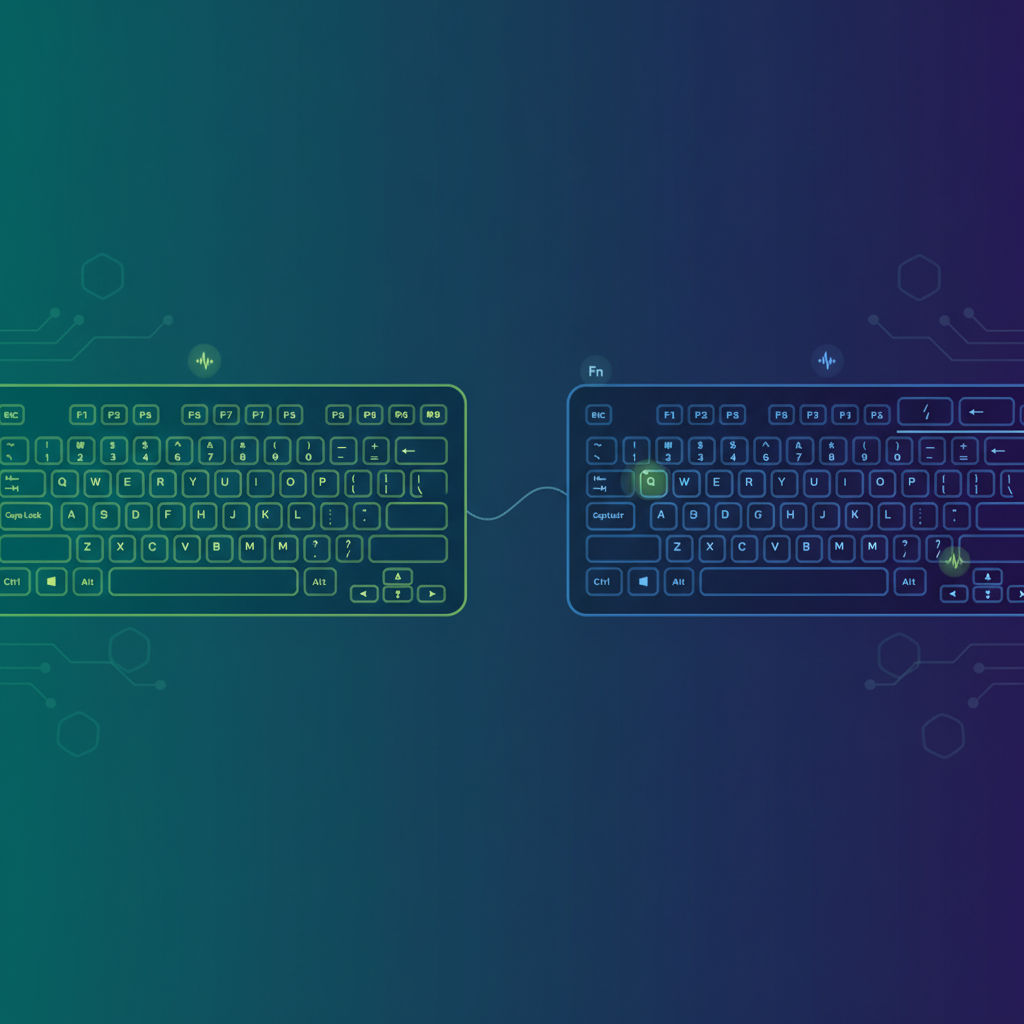
If you've shopped for a physical Arabic keyboard or browsed input-language settings, you've probably noticed two similarly named options: Arabic (101) and Arabic (102). The naming is confusing, but the decision is easy once you understand what actually differs between them.
What's the same
Arabic 101 and Arabic 102 share the identical Arabic letter arrangement — home row, top row, bottom row, hamza forms, lam-alef, harakat. If you learn one, your muscle memory transfers almost completely to the other. This matters because it means the choice isn't really about "which Arabic layout to learn" — it's about which variant matches your physical keyboard and regional conventions.
What's different
The two layouts diverge only in punctuation and symbol placement, plus one structural detail: Arabic 102 is an ISO-style layout with an extra key near the left Shift (present on many European-style physical keyboards), while Arabic 101 follows the standard ANSI-style PC layout used almost everywhere else. Arabic 102 also appears in an AZERTY-influenced variant used in parts of North Africa (notably Algeria and Morocco), reflecting French keyboard conventions from the region's colonial and educational history.
Which one should you actually learn?
Unless your physical keyboard is specifically labeled for Arabic 102 — which mostly means European ISO-layout keyboards or certain North African regional keyboards — Arabic 101 is the safer default. It's the layout:
- Installed by default on Windows in most regions
- Printed on the vast majority of physical Arabic keyboards sold globally
- Used as the reference layout in most Arabic typing courses and typing tests
- Consistent across Egypt, Saudi Arabia, the Gulf states, Jordan, Iraq, Lebanon and most of the Arab world
A practical rule of thumb
Check the punctuation keys near your Enter and Shift keys on your physical keyboard. If they match a standard US-style PC layout, you're on (or should install) Arabic 101. If your keyboard has an extra key near the left Shift or French-style AZERTY punctuation, you may be looking at an Arabic 102 variant. When in doubt, Arabic 101 works correctly on virtually any keyboard, since it's a software layout that doesn't require any specific physical key labeling to function.
Bottom line
Learn Arabic 101 first. It's the layout every mainstream Arabic typing course — including LearnType's Arabic 101 course — is built around, it's the default across operating systems, and the skills transfer almost entirely if you ever do need Arabic 102 for a specific regional keyboard.
Related reading
- Arabic 101 Keyboard Layout Explained
- How to Switch Between Arabic and English Keyboards
- The History of the Arabic Keyboard Layout
FAQ
Will learning Arabic 101 waste my time if my keyboard is actually Arabic 102? No — the letter positions are identical between the two. You'd only need to relearn a handful of punctuation and symbol keys, not the Arabic letters themselves.
Is Arabic 102 more common in any specific country? It shows up more often in parts of North Africa where AZERTY (French keyboard) conventions influenced regional keyboard manufacturing, but Arabic 101 remains the default operating-system layout even in those regions.
Does the layout choice affect typing speed? Not meaningfully — since the Arabic letter arrangement is identical on both, your typing speed depends on practice and muscle memory, not which of the two variants you're using.
Written by
LearnType Editorial Team
Typing Education Editors
The LearnType Editorial Team produces and reviews typing curricula for English, Bangla (Avro & Bijoy), and Hindi. Our lessons and guides are developed with experienced typing instructors and aligned to real government typing-test standards, including SSC, CPCT, and state-level exams.
Keep reading
More in Arabic Typing
The History of the Arabic Keyboard Layout: From Typewriters to Windows
From mechanical typewriters to the modern Arabic 101 standard — the design history behind the Arabic keyboard layout and why it looks the way it does.
Arabic Keyboard Stickers vs Learning Touch Typing: Which Works Better?
Arabic keyboard stickers solve a narrow problem but can delay real touch-typing skill. Here's what actually works instead, and why.

Best Free Tools and IMEs for Typing Arabic Online
An honest comparison of free tools for typing Arabic online — OS input methods, phonetic IMEs, on-screen keyboards, and structured courses.