
Free Typing Lessons for Beginners — Start from Zero
5 structured typing lessons from home row to full sentences — with daily drills, a 30-day schedule, and the exact finger assignments for every key on the keyboard.
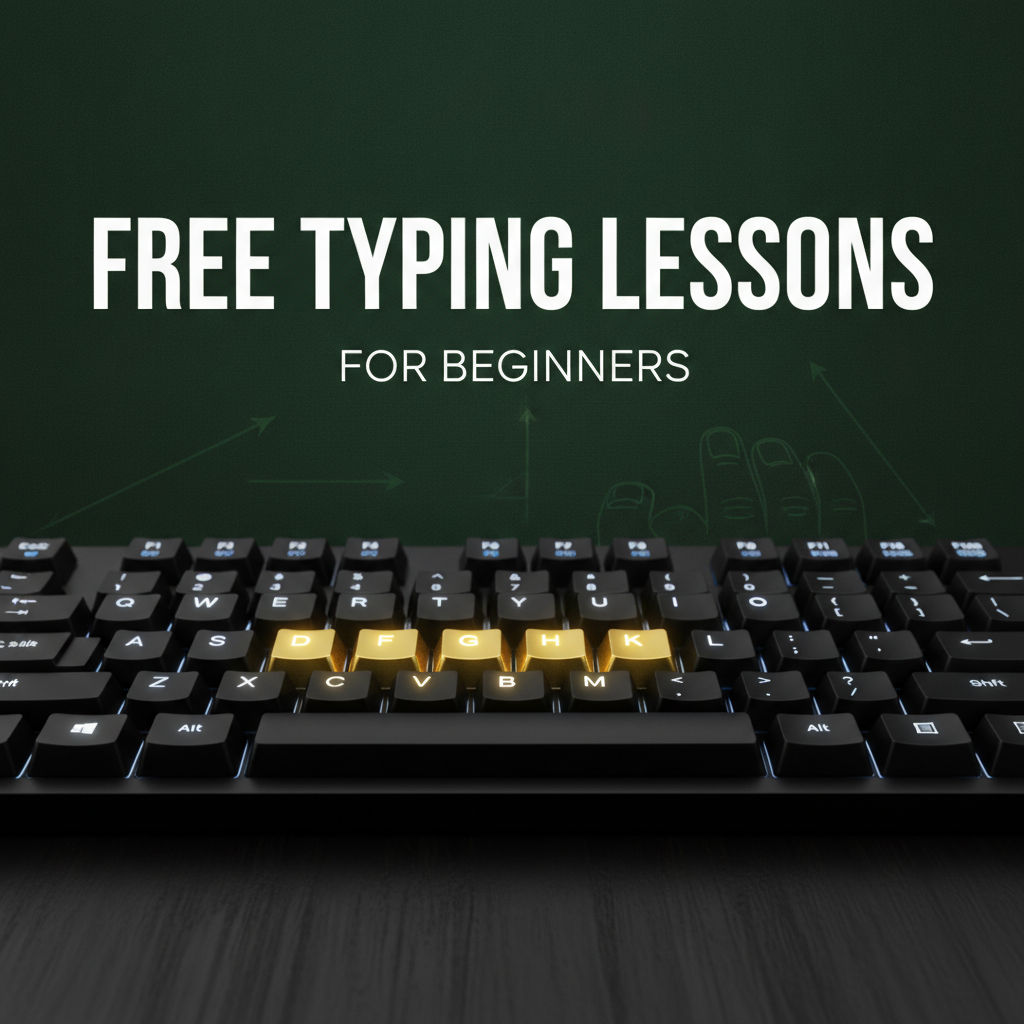
Lesson 1: Home Row Keys (ASDF JKL;)
The home row is where your fingers rest and return after every keystroke. Master this before touching any other key.
Left hand: index → F, middle → D, ring → S, pinky → A Right hand: index → J, middle → K, ring → L, pinky → ;
Day 1–2 drill: Type only these sequences for 15 minutes:
asdf jkl; asdf jkl; fdsajkl; fjfj dkdk slsl
Do not look at the keyboard. Ever. Cover your hands if needed.
Lesson 2: Top Row Keys (QWERTY / UIOP)
Extend fingers upward from home row — do not move your entire hand.
Day 3–4 drill: Add E, I (middle fingers), then R, U (index fingers):
fed juki fried guide ride fire
Day 5–6 drill: Add W, O (ring fingers), then Q, P (pinkies):
we our word port quit proper
Lesson 3: Bottom Row Keys (ZXCV / NM)
The bottom row uses the same fingers as home row, reaching downward.
Day 7–8 drill:
cave van cab man xenon zinc box
Lesson 4: Numbers and Special Characters
Day 9–10: Number row — reach upward from top row:
1234 5678 90 a1b2c3 date: 2026
Day 11–12: Common punctuation:
Hello, world. How are you? I'm fine!
Lesson 5: Full Sentence Practice
Now use everything together. Start with high-frequency words:
Day 13–15:
the and that with have this from they will one
Day 16–20: Type full sentences from Typing Practice Paragraphs. Aim for accuracy above speed.
Daily Practice Schedule
| Day | Focus | Duration |
|---|---|---|
| 1–2 | Home row only | 15 min |
| 3–6 | Top row added | 15 min |
| 7–8 | Bottom row added | 15 min |
| 9–12 | Numbers + punctuation | 15 min |
| 13–20 | Full sentences | 20 min |
| 21–30 | Paragraphs + timed tests | 20 min |
After 30 days, take a timed test. Most learners reach 25–35 WPM with these lessons. For the next stage: Touch Typing — Complete 2026 Guide and How to Type Faster: 10 Proven Tips.
Written by
Mohammad Ismail
Keep reading
More in Typing Courses & Tools
Best Typing Program for Kids — Top Tools for Schools & Home
Best typing programs for kids in 2026 — free options (TypingClub, Dance Mat, Nitro Type) and paid school programs, with the right starting age and motivation strategies.
Online Typing Course With Certificate — Top Options in 2026
Top typing certificate courses in 2026 — free options (Typing.com, Ratatype) vs government-recognised paid courses (MKCL CCTP), and how to add typing credentials to your resume.
Free Online Typing Course for Adults — Learn in 30 Days
A 30-day typing course for adults — week-by-week from home row basics to real-world fluency, with the one rule that determines whether adults succeed or fail.