
How to Type Arabic Without an Arabic Keyboard (IME and Phonetic Methods)
You don't need a physical Arabic keyboard to type Arabic. Here are four real methods — from software layouts to phonetic input — and when to use each.
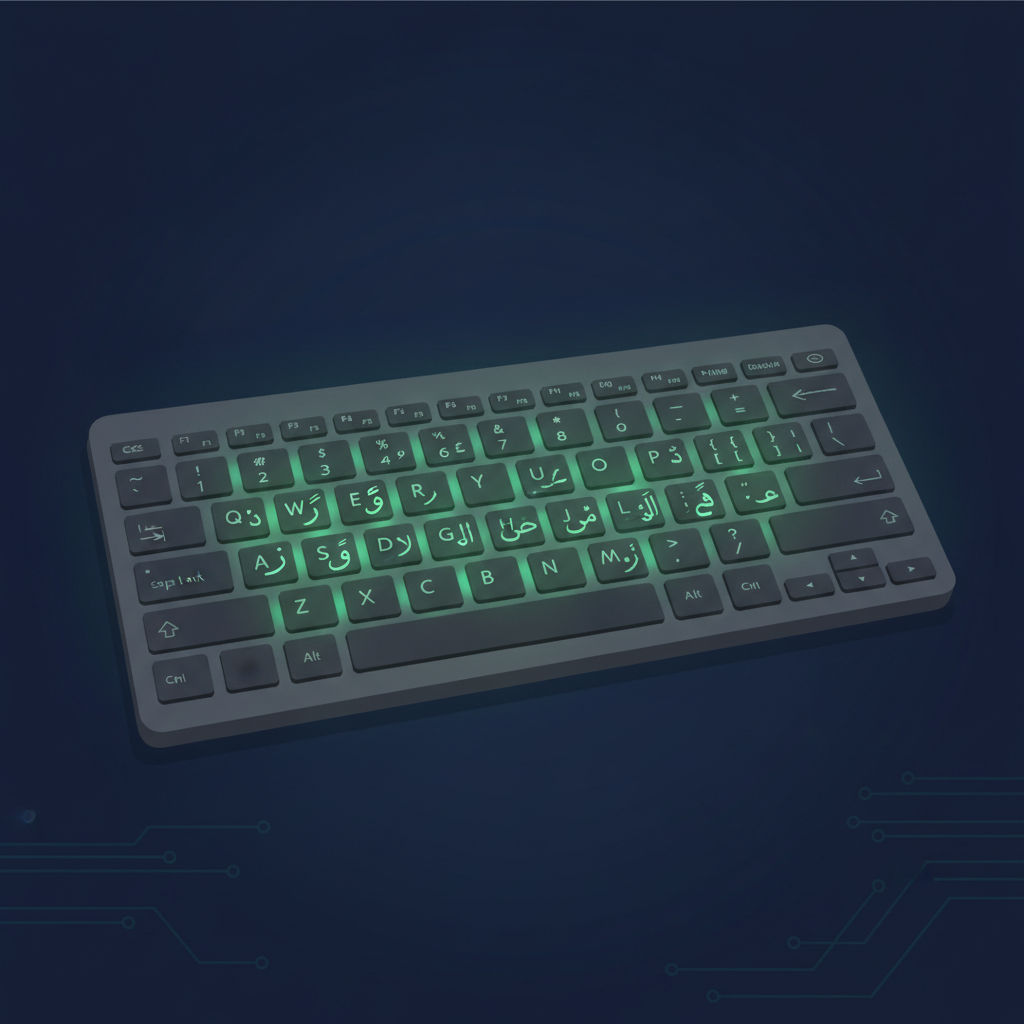
You don't own a physical Arabic keyboard, your OS keyboard settings feel intimidating, and you need to type Arabic today. Good news: you don't need an Arabic keyboard at all. Here are the real, working methods people use to type Arabic script on an ordinary English keyboard.
Method 1: Enable the Arabic 101 software layout
This is the closest thing to "using an Arabic keyboard" without buying new hardware. Every physical QWERTY keyboard can produce Arabic characters once you add the Arabic 101 input language in your OS settings (Windows: Settings > Time & Language > Language; macOS: System Settings > Keyboard > Input Sources). Your keys are physically still labeled in Latin script, but they'll type Arabic once you switch — this is genuinely how most Arabic typists, including people typing on keyboards with printed Arabic characters, actually produce Arabic script; the software layout is what matters, not the printed labels.
The tradeoff: you'll be typing "blind" relative to the printed labels unless you either buy a sticker overlay or learn the key positions through touch typing practice.
Method 2: Phonetic (Arabizi) input methods
An IME like Google Input Tools, Yamli, or a course platform's built-in converter lets you type Arabic sounds using Latin letters and the Arabizi digit conventions (2=ء, 3=ع, 7=ح) and get real Arabic script as output. This needs zero new key positions to learn — you're typing based on sound, using habits you likely already have from texting.
The tradeoff: it's generally slower for long documents than direct Arabic 101 touch typing once you're proficient, and it doesn't support harakat.
Method 3: On-screen virtual keyboards
Most operating systems and many websites offer an on-screen clickable Arabic keyboard as a fallback — useful for occasional, one-off typing needs, but far too slow for regular use since you're clicking rather than touch typing.
Method 4: Voice-to-text
Modern speech recognition on phones and in many apps supports Arabic dictation directly, which can be a genuinely practical option for short messages, though it's unreliable for precise or technical text and doesn't build any typing skill for later.
Which method should you actually use?
- One-off need today: on-screen keyboard or voice-to-text.
- Regular casual typing (chat, social media): Arabic Phonetic/Arabizi input.
- Serious, sustained, or professional typing: enable Arabic 101 and invest in touch-typing practice — it's the only method with real long-term speed headroom.
Building real skill
If Arabic typing is going to be a regular part of your life — work, study, communication with family — investing a few weeks in Arabic 101 touch typing pays off far beyond any of the workaround methods above. LearnType's Arabic 101 and Arabic Phonetic courses are both free, browser-based, and require no special hardware — just your existing keyboard.
Related reading
- Best Free Tools and IMEs for Typing Arabic Online
- What Is Arabic Phonetic Typing?
- Typing Arabic on Mobile
FAQ
Do I need to buy a special keyboard to type Arabic? No — any standard keyboard can type Arabic once you enable the Arabic input language in your operating system settings.
Is phonetic typing "cheating" compared to a real Arabic keyboard? Not at all — it produces genuine Arabic script and is a legitimate, widely used method, particularly for casual and social communication.
Which method is fastest once you're experienced? Touch typing on Arabic 101 has the highest ceiling speed, since it's a direct one-keystroke-per-character mapping without a phonetic conversion step in between.
Written by
LearnType Editorial Team
Typing Education Editors
The LearnType Editorial Team produces and reviews typing curricula for English, Bangla (Avro & Bijoy), and Hindi. Our lessons and guides are developed with experienced typing instructors and aligned to real government typing-test standards, including SSC, CPCT, and state-level exams.
Keep reading
More in Arabic Typing
The History of the Arabic Keyboard Layout: From Typewriters to Windows
From mechanical typewriters to the modern Arabic 101 standard — the design history behind the Arabic keyboard layout and why it looks the way it does.
Arabic Keyboard Stickers vs Learning Touch Typing: Which Works Better?
Arabic keyboard stickers solve a narrow problem but can delay real touch-typing skill. Here's what actually works instead, and why.

Best Free Tools and IMEs for Typing Arabic Online
An honest comparison of free tools for typing Arabic online — OS input methods, phonetic IMEs, on-screen keyboards, and structured courses.