
Typing لا (Lam-Alef): The One-Key Ligature on Arabic 101
لا (lam-alef) is the only two-letter ligature with its own dedicated key on Arabic 101. Here's why, where it lives, and how to type its hamza variants.
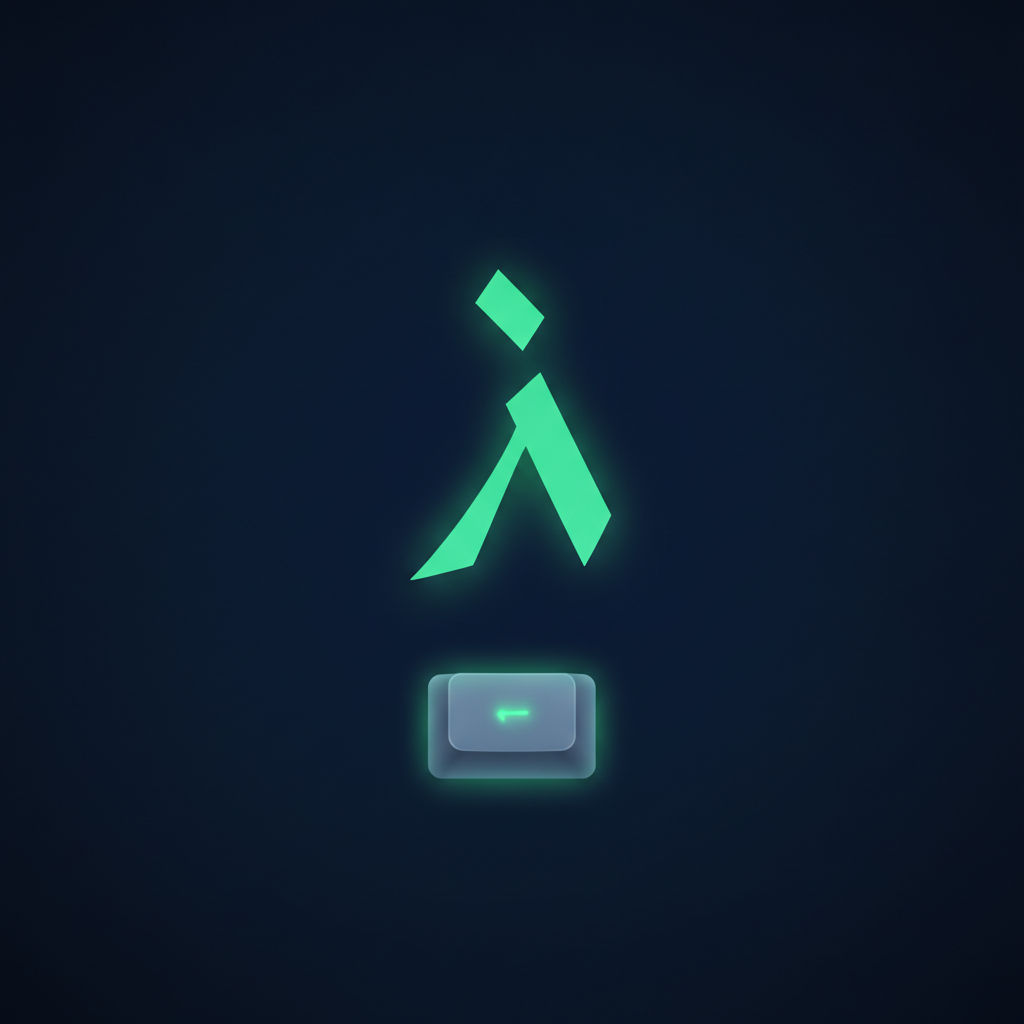
Open any page of Arabic text and لا (lam-alef) will jump out at you within the first sentence — it's the negation word "no/not," a common part of dozens of high-frequency words, and one of the most visually distinctive shapes in the script. It's also the only two-letter combination on the Arabic 101 keyboard that gets its own dedicated key.
Why lam-alef gets special treatment
In standard Arabic typography, lam (ل) followed by alef (ا) is written as a single joined ligature rather than two separate letter-shapes — a convention baked into Arabic script itself, not just a font style choice. Because this combination appears so often, the Arabic 101 layout designers gave it one keystroke instead of two, on a dedicated key near the B position. This isn't just convenient — it's necessary, since typing lam and alef as two separate keystrokes in most Arabic fonts won't reliably produce the correct joined ligature shape.
The Shift-layer variants
The lam-alef key also carries three related ligatures on its Shift layer and neighboring keys:
- لا — the base ligature (lam + alef)
- لأ — lam + alef-with-hamza-above
- لإ — lam + alef-with-hamza-below
- لآ — lam + alef-with-madda
These map onto the G, T and B key positions on Shift, following the same logic as the standalone hamza forms covered elsewhere in this series — the difference is that here, hamza is fused with a preceding lam.
Why this key matters for speed
Every letter you type twice instead of once costs time, and لا is common enough that a dedicated key measurably speeds up real-world typing compared to layouts that require separate lam and alef keystrokes. It's a small design decision, but across a full page of Arabic text it adds up — one of several reasons the Arabic 101 layout, despite looking unfamiliar to English typists at first glance, is genuinely optimized for the language rather than being a naive letter-by-letter port of QWERTY.
Practicing it
Because لا is a base-layer key (not Shift), it should be learned early — right alongside the home row, before you move on to hamza and harakat. Drill it in real words: لا، لكن، لأن، الأول — so the finger motion becomes attached to meaning, not just an isolated keystroke.
LearnType's Arabic 101 course places the lam-alef key in its early lesson sequence, right after the home row is solid, with drills built from real high-frequency Arabic words rather than arbitrary character strings.
Related reading
- Arabic 101 Keyboard Layout Explained
- How to Type Hamza
- Building Muscle Memory for the Arabic Keyboard
FAQ
Is لا a letter or two letters? Two letters — lam (ل) and alef (ا) — written as a single joined ligature by convention, and produced by a single keystroke on Arabic 101.
What happens if I type lam and alef separately? Depending on the font and application, you may not get the standard ligature shape at all, or the rendering may look inconsistent with normal Arabic typography. Using the dedicated key avoids this entirely.
Where exactly is the lam-alef key? It sits at the B key position on a standard Arabic 101 layout, with its hamza variants (لأ, لإ, لآ) accessible via Shift on the G, T and B keys.
Written by
LearnType Editorial Team
Typing Education Editors
The LearnType Editorial Team produces and reviews typing curricula for English, Bangla (Avro & Bijoy), and Hindi. Our lessons and guides are developed with experienced typing instructors and aligned to real government typing-test standards, including SSC, CPCT, and state-level exams.
Keep reading
More in Arabic Typing
The History of the Arabic Keyboard Layout: From Typewriters to Windows
From mechanical typewriters to the modern Arabic 101 standard — the design history behind the Arabic keyboard layout and why it looks the way it does.
Arabic Keyboard Stickers vs Learning Touch Typing: Which Works Better?
Arabic keyboard stickers solve a narrow problem but can delay real touch-typing skill. Here's what actually works instead, and why.

Best Free Tools and IMEs for Typing Arabic Online
An honest comparison of free tools for typing Arabic online — OS input methods, phonetic IMEs, on-screen keyboards, and structured courses.