
Bijoy Bayanno: Download & Setup Guide
Bijoy Bayanno setup guide — what Bijoy 52 is, Windows requirements, download & install steps, license activation, and how to start typing Bangla with the Bijoy layout.
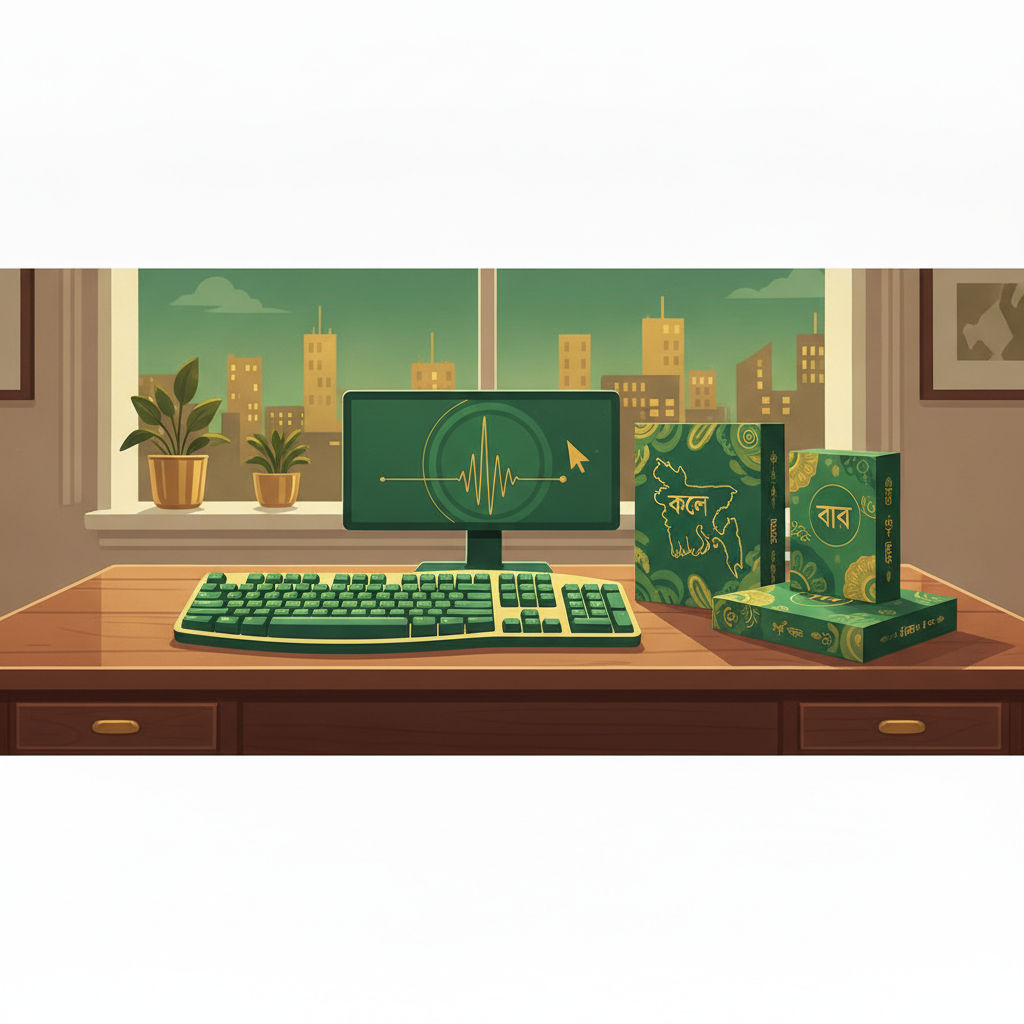
Bijoy Bayanno Setup Guide
Bijoy Bayanno (বিজয় বায়ান্ন — "Bijoy 52") is the most popular version of the Bijoy Bangla typing software, used widely across Bangladesh for office, government, and print work. This guide covers what Bijoy Bayanno is, system requirements, how to install and activate it, and how to start typing Bangla with it.
What is Bijoy Bayanno?
Bijoy Bayanno is the version 52 release of the Bijoy Bangla keyboard software, developed by Ananda Computers. It provides:
- The classic fixed Bijoy keyboard layout for typing Bengali.
- Both legacy (ANSI) and Unicode output modes (modern Bayanno supports Unicode; older releases are ANSI-only).
- A bundled set of Bijoy-compatible fonts.
- A system tray keyboard switcher to toggle between English and Bijoy.
It's the de-facto standard in many Bangladeshi offices, newspapers, and typing institutes — so if you're preparing for a workplace that uses Bijoy, Bayanno is the version to learn on.
Bijoy is commercial software. Install it only from an authorised source and activate it with a valid license.
System requirements
Bijoy Bayanno runs on Windows. Typical requirements:
- OS: Windows 10/11 (older Bayanno builds supported Windows 7/8).
- Office integration: designed to work alongside Microsoft Office (Word) for Bangla document creation.
- Fonts: the installer bundles Bijoy-compatible fonts; you can also add popular free Bangla fonts.
There is no official Bijoy Bayanno for macOS or Linux — on those platforms, users typically switch to Avro Phonetic (Unicode) or a Bijoy-style web engine. If you don't have Windows or don't want to buy software, you can still learn the Bijoy layout using learntype.app's in-browser Bijoy-style typing engine.
Download and install
- Obtain the installer from an authorised source (Bijoy is paid software; avoid pirated copies, which often carry malware and broken fonts).
- Run the installer as administrator and follow the prompts.
- Restart if prompted, so the keyboard driver loads.
- Verify the install by checking for the Bijoy icon in the system tray and testing in Word.
Activation and license
- Launch Bijoy and enter your license/activation key when prompted.
- Without activation, the software typically runs in a restricted/trial mode.
- Keep your license key safe — you'll need it after reinstalling Windows or moving to a new PC.
Typing with Bijoy Bayanno
- Open the app where you want to type (e.g. Microsoft Word).
- Switch the keyboard to Bijoy (system tray → Bijoy icon, or the assigned shortcut).
- Select a Bijoy-compatible font in your document (the bundled fonts or Siyam Rupali-style fonts).
- Type using the Bijoy layout — each English key maps to a fixed Bengali letter (see our Bijoy keyboard layout guide).
- To return to English, switch the keyboard back to English in the system tray.
Important: if you produce legacy (ANSI) Bijoy text, anyone opening the document needs a Bijoy font installed or the text looks garbled. For sharing text on the web or with phone users, consider typing in Unicode (Bayanno's Unicode mode, or Avro Phonetic) so it works everywhere.
Related guides
- Learn Bijoy typing →
- Bijoy Keyboard Layout: Complete Guide & Chart
- Avro to Bijoy Converter: How to Convert Bangla Fonts
- Avro Phonetic Bangla Typing: Complete Guide
Frequently asked questions
Is Bijoy Bayanno free? No — Bijoy is commercial software and must be licensed. Avoid pirated copies; they're often malware-laden and ship with corrupted fonts.
Is there Bijoy Bayanno for Mac? There's no official macOS version. On Mac/Linux, use Avro Phonetic (Unicode) or practise the Bijoy layout in a web engine like learntype.app.
Do I need Bijoy to type Bangla? No. You can type clean Unicode Bangla free with Avro Phonetic — including directly in learntype.app's Bangla typing practice. Learn Bijoy only if a workplace or exam requires it.
Why does my Bijoy text look broken on other devices? Legacy Bijoy (ANSI) text needs a Bijoy font to display. Convert it to Unicode so it works everywhere, or open it on a machine with the Bijoy font installed.
Unicode or ANSI mode in Bayanno? Prefer Unicode mode for anything you'll share online or with phone users; use ANSI only when a specific office/printer requires legacy Bijoy.
Written by
Mohammad Ismail
Keep reading
More in Bangladesh Typing
Bijoy Keyboard Layout: Complete Guide & Chart
Complete Bijoy keyboard layout guide for Bangla typing — what Bijoy is, a full chart, finger placement, Bijoy vs Avro comparison, and how to download Bijoy.
Computer Typing Test — How to Prepare for BD Government Jobs
BD government typing test guide — which posts require it, Bijoy keyboard requirements, 20–25 WPM targets, and a 30-day preparation plan to clear the exam with buffer.
English Typing Practice for Bangladeshi Students
English typing practice for Bangladeshi students — government exam requirements, beginner to advanced exercises, and the home-row fix that doubles speed for BD candidates.