
How to Learn Keyboard Typing from Scratch (Complete Beginner Guide)
Complete beginner's guide to keyboard typing — no special equipment needed, home row foundation, first-week drill plan, and the 4 habits that determine whether you succeed.
Do You Need Special Equipment?
No. Any standard keyboard works. Mechanical keyboards feel better for many typists but make no difference to learning speed. Use whatever keyboard you have and will use most.
The only requirement: a physical keyboard. Tablets and phone touchscreens do not build the muscle memory needed for touch typing.
Understanding the Keyboard Layout
QWERTY is the global standard. It groups all keys into three rows plus the number row. The home row — ASDF JKL; — is the foundation. Every other key is reached by extending from home and returning.
Understanding the layout conceptually before touching it accelerates learning. Study the three rows: top (QWERTYUIOP), home (ASDFGHJKL;), bottom (ZXCVBNM).
Your First Week: Home Row Only
This is non-negotiable. Do not attempt the full keyboard until home row is automatic.
Days 1–3: Type only ASDF JKL; combinations. Use all 8 fingers on these keys. Examples:
asdfjkl; fdfdjkjk asdf;lkj fall lass add dad
Days 4–5: Add G and H (both index fingers reaching inward):
flag glad hand has hag jab jag
Days 6–7: Type real home-row words: falls, flask, glad, dash, hash, flag
Speed goal by end of week 1: 15 WPM on home row words, zero errors.
Building Good Habits From Day One
1. Never look at the keyboard. Use a keyboard cover, drape a cloth, or simply commit. Every glance resets muscle memory progress.
2. Always return to home row. After every word, all eight fingers return to ASDF JKL;. This feels artificial at first and becomes invisible with practice.
3. Correct technique, not speed. If you are making errors, slow down. Errors practised become errors memorised.
4. Same time, same place. Consistent context (same desk, same keyboard, same time of day) accelerates habit formation.
Free Resources to Get Started
LearnType — Free Typing Lessons for Beginners — structured lessons from home row to full keyboard to sentences.
For the touch typing method explained in full: Touch Typing — Complete 2026 Guide.
For how long this will take: How Long Does It Take to Learn to Type?.
Written by
Mohammad Ismail
Keep reading
More in Touch Typing & Speed
How to Improve Your Typing Speed (From 30 to 80 WPM)
The structured plan to go from 30 to 80 WPM — accuracy-first method, three daily drills, weekly WPM targets, and the anticipation technique that breaks the 60 WPM ceiling.
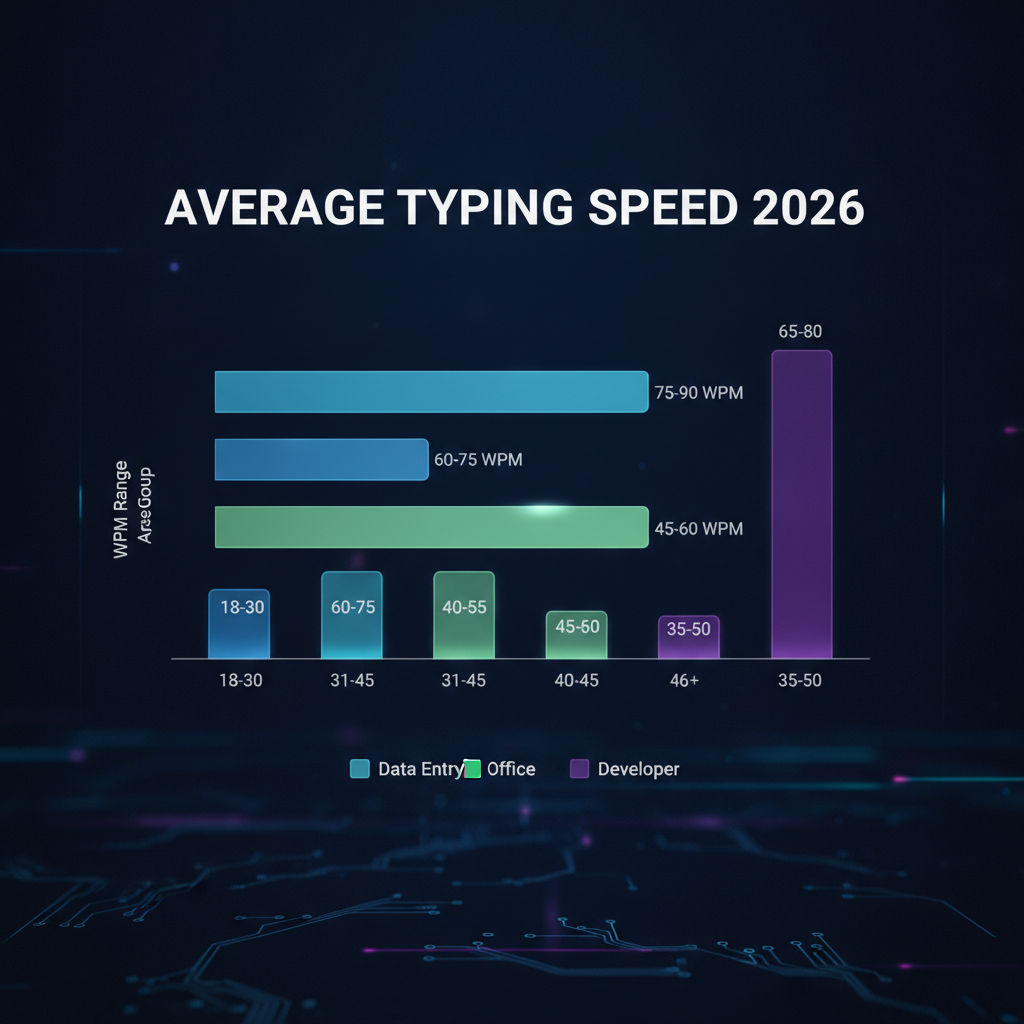
How Fast Should You Type? Average WPM by Age and Job
Average typing speed by age (8 to 55+) and by profession (data entry to journalism to govt exams) — with real benchmarks from 2026 platform data and how to check where you stand.

Touch Typing for Beginners — The Complete 2026 Guide
Touch typing explained — what it is, why it matters for speed and accuracy, how to start today with home row position, and a 30-day plan to reach 35 WPM.