
How to Learn to Type Without Looking at the Keyboard
The exact method to stop looking at your keyboard — home row position explained, a 5-step 30-day plan, and why the temporary speed drop is the learning happening.

What Is Touch Typing?
Touch typing means typing without looking at the keyboard, using all 10 fingers with each assigned to specific keys. The average hunt-and-peck typist caps out at 40 WPM. Touch typists regularly reach 60–80 WPM, with professionals hitting 100+.
Why You Should Stop Looking at the Keys
Every time you look down, you break two things: your reading rhythm (you lose your place in the source text) and your muscle memory progress (your brain stays reliant on visual cues instead of building motor patterns).
The solution is simple but uncomfortable: stop looking immediately and accept the temporary speed drop. Most people see their WPM cut in half for 2–3 weeks before it surpasses the old speed. That regression is the learning happening.
Home Row Position — The Foundation
Place your fingers on the home row: left hand on A S D F, right hand on J K L ;. Feel the raised bumps on F and J — these are your anchor points to return to without looking.
| Finger | Left Hand | Right Hand |
|---|---|---|
| Index | F (+ G) | J (+ H) |
| Middle | D | K |
| Ring | S | L |
| Pinky | A | ; |
| Thumbs | Space bar | Space bar |
Every key on the keyboard is reached by extending from this home position, then returning.
5-Step Practice Plan
Step 1 — Home row only (Days 1–5) Type only A S D F J K L ; combinations. Boring but essential. Keep eyes off keyboard entirely. Target: 15+ WPM on home row before moving on.
Step 2 — Add top row (Days 6–12) Introduce Q W E R T Y U I O P. Expect a speed drop. Normal.
Step 3 — Add bottom row (Days 13–18) Add Z X C V B N M. Full alphabet now accessible.
Step 4 — Numbers and punctuation (Days 19–24) Practice digits 1–0 and common symbols (. , ! ? ').
Step 5 — Full sentences (Days 25–30) Type real paragraphs. Focus on rhythm, not speed. See Typing Practice Paragraphs for material.
Best Free Tools to Practice Without Looking
LearnType — structured lessons with key highlighting and finger guidance. Progress tracking included.
For a full structured course from zero: Free Typing Lessons for Beginners. For speed gains after basics: How to Type Faster: 10 Proven Tips.
Written by
Mohammad Ismail
Keep reading
More in Touch Typing & Speed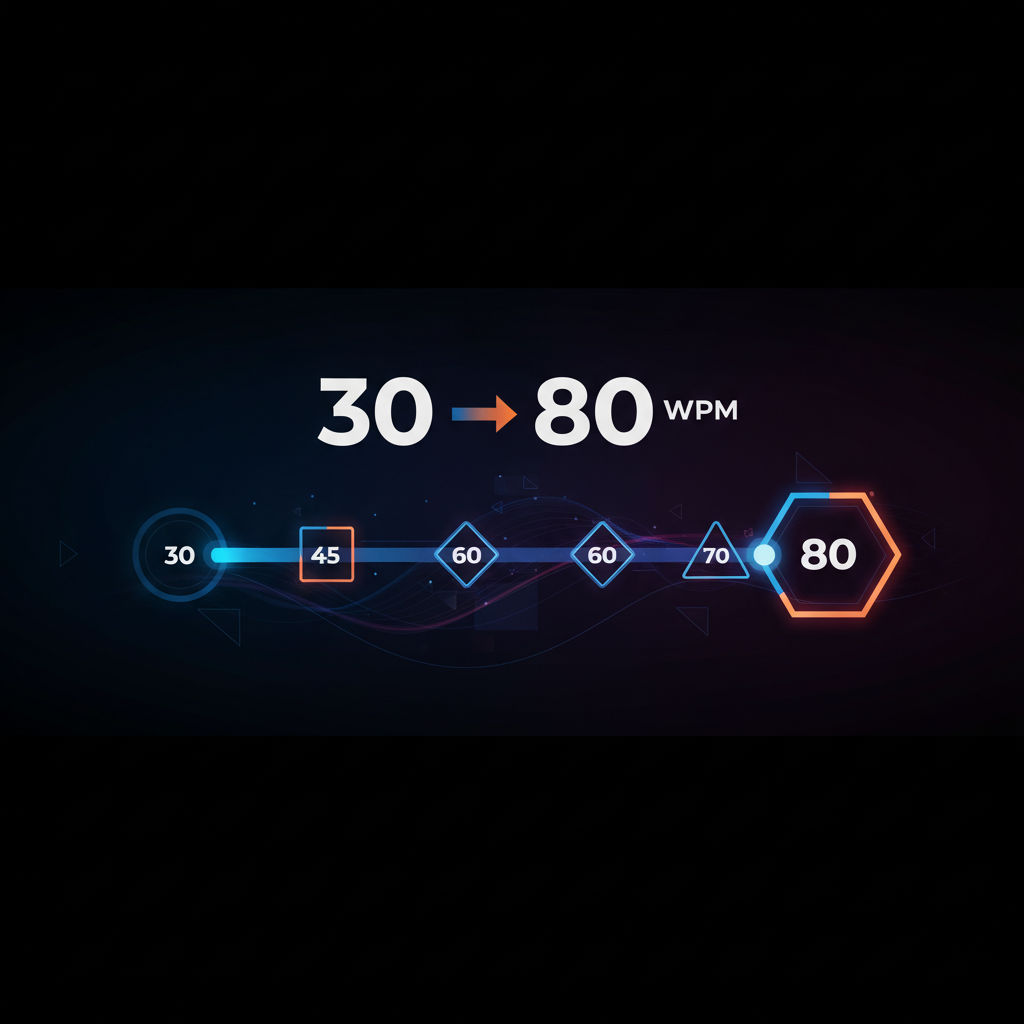
How to Improve Your Typing Speed (From 30 to 80 WPM)
The structured plan to go from 30 to 80 WPM — accuracy-first method, three daily drills, weekly WPM targets, and the anticipation technique that breaks the 60 WPM ceiling.
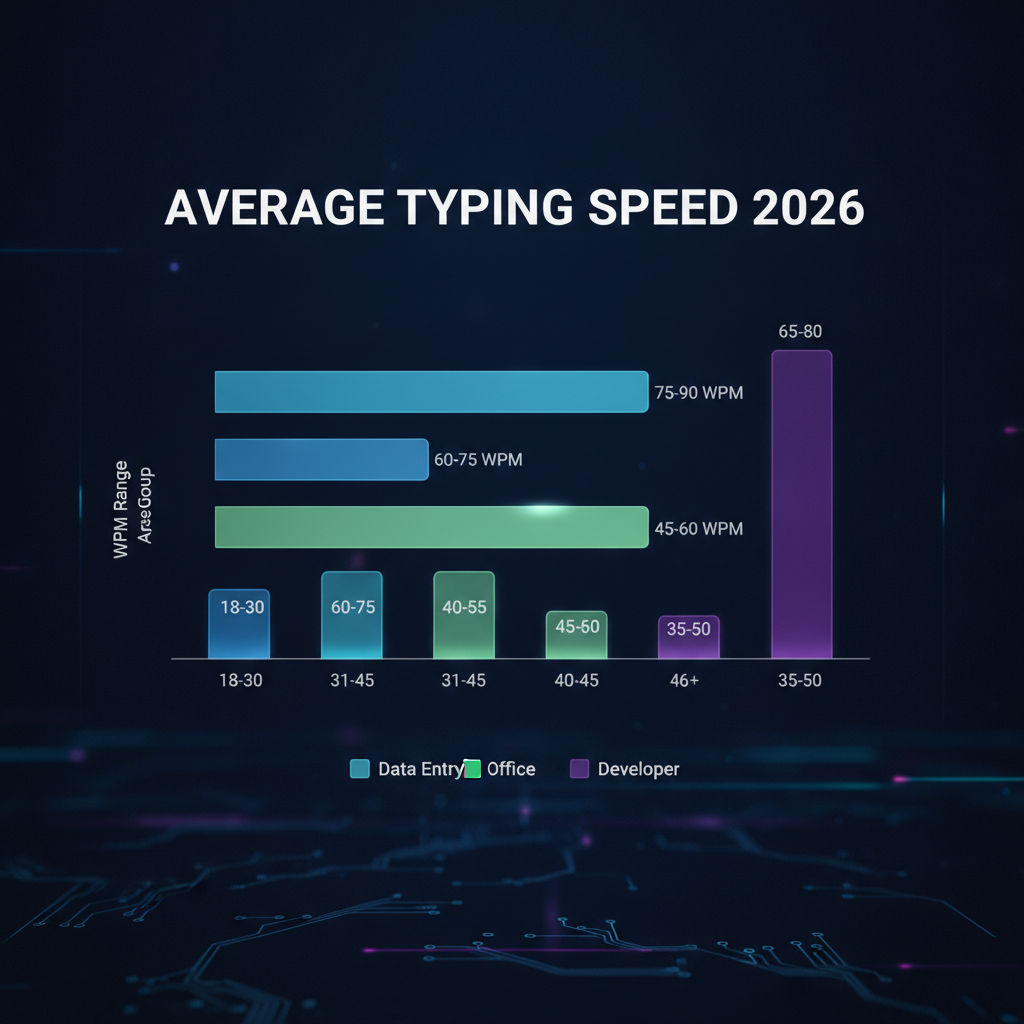
How Fast Should You Type? Average WPM by Age and Job
Average typing speed by age (8 to 55+) and by profession (data entry to journalism to govt exams) — with real benchmarks from 2026 platform data and how to check where you stand.
How to Learn Keyboard Typing from Scratch (Complete Beginner Guide)
Complete beginner's guide to keyboard typing — no special equipment needed, home row foundation, first-week drill plan, and the 4 habits that determine whether you succeed.