
Touch Typing for Beginners — The Complete 2026 Guide
Touch typing explained — what it is, why it matters for speed and accuracy, how to start today with home row position, and a 30-day plan to reach 35 WPM.

What Is Touch Typing?
Touch typing is the technique of typing without looking at the keyboard, using all 10 fingers with each assigned to specific keys. The term comes from relying on touch — muscle memory and spatial awareness — rather than sight to locate keys.
The average typist who looks at the keyboard caps out at 35–45 WPM. A trained touch typist routinely reaches 60–80 WPM with better accuracy.
Benefits of Learning Touch Typing
Speed: Most touch typists reach 60+ WPM within 3–6 months. The global average for trained touch typists is 65–75 WPM.
Accuracy: Looking at the keyboard breaks your reading rhythm — you lose your place in the source text and introduce more errors. Touch typists maintain accuracy because their eyes stay on the screen.
Reduced fatigue: Constantly looking down strains your neck. Touch typing keeps your posture neutral.
Career advantage: Many jobs list minimum WPM requirements. See Typing Test Exam Preparation Guide for specific requirements by exam.
How to Get Started Today
Step 1 — Learn home row position Left hand on ASDF, right hand on JKL;. Feel the raised bumps on F and J. This is your anchor. Full guide: How to Type Without Looking at the Keyboard.
Step 2 — Learn all 10 fingers Every key belongs to one specific finger. See the full assignment chart: Learn to Type With All 10 Fingers.
Step 3 — Use structured lessons Start with Free Typing Lessons for Beginners and progress through all 5 lessons before attempting speed tests.
Step 4 — Prioritise accuracy Keep error rate below 3% at all times. Speed comes naturally as accuracy solidifies.
30-Day Touch Typing Plan
| Week | Focus | Target WPM |
|---|---|---|
| 1 | Home row + top row | 15 WPM |
| 2 | Full keyboard | 20 WPM |
| 3 | Full sentences | 28 WPM |
| 4 | Paragraphs + timed tests | 35 WPM |
After 30 days, continue with How to Type Faster: 10 Proven Tips to push from 35 to 60+ WPM.
Best Free Touch Typing Resources in 2026
- LearnType — structured lessons, WPM tracker, Bangla and English support
- TypingClub — gamified lessons for beginners
- Keybr — adaptive key frequency training
- Monkeytype — minimalist timed tests
For benchmarks on where your speed ranks: Average Typing Speed by Age and Job.
Written by
Mohammad Ismail
Keep reading
More in Touch Typing & Speed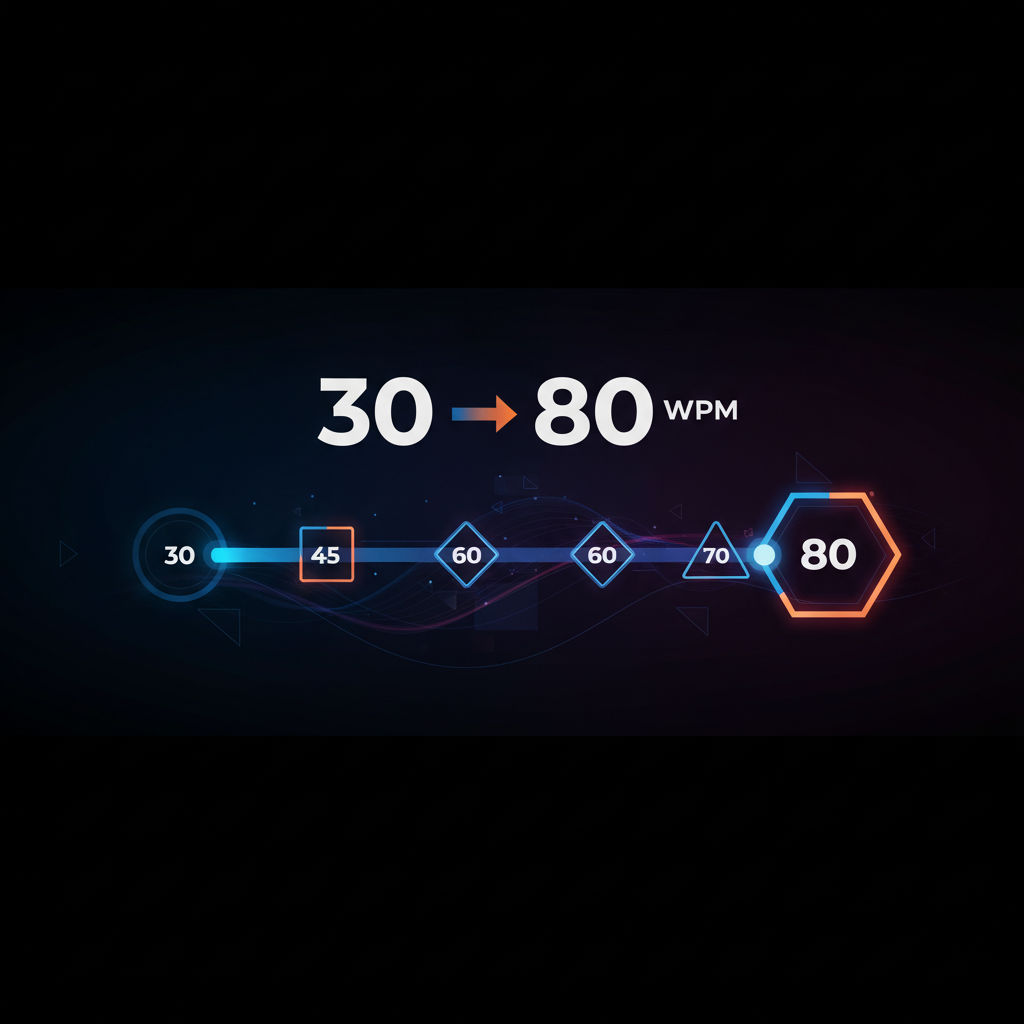
How to Improve Your Typing Speed (From 30 to 80 WPM)
The structured plan to go from 30 to 80 WPM — accuracy-first method, three daily drills, weekly WPM targets, and the anticipation technique that breaks the 60 WPM ceiling.
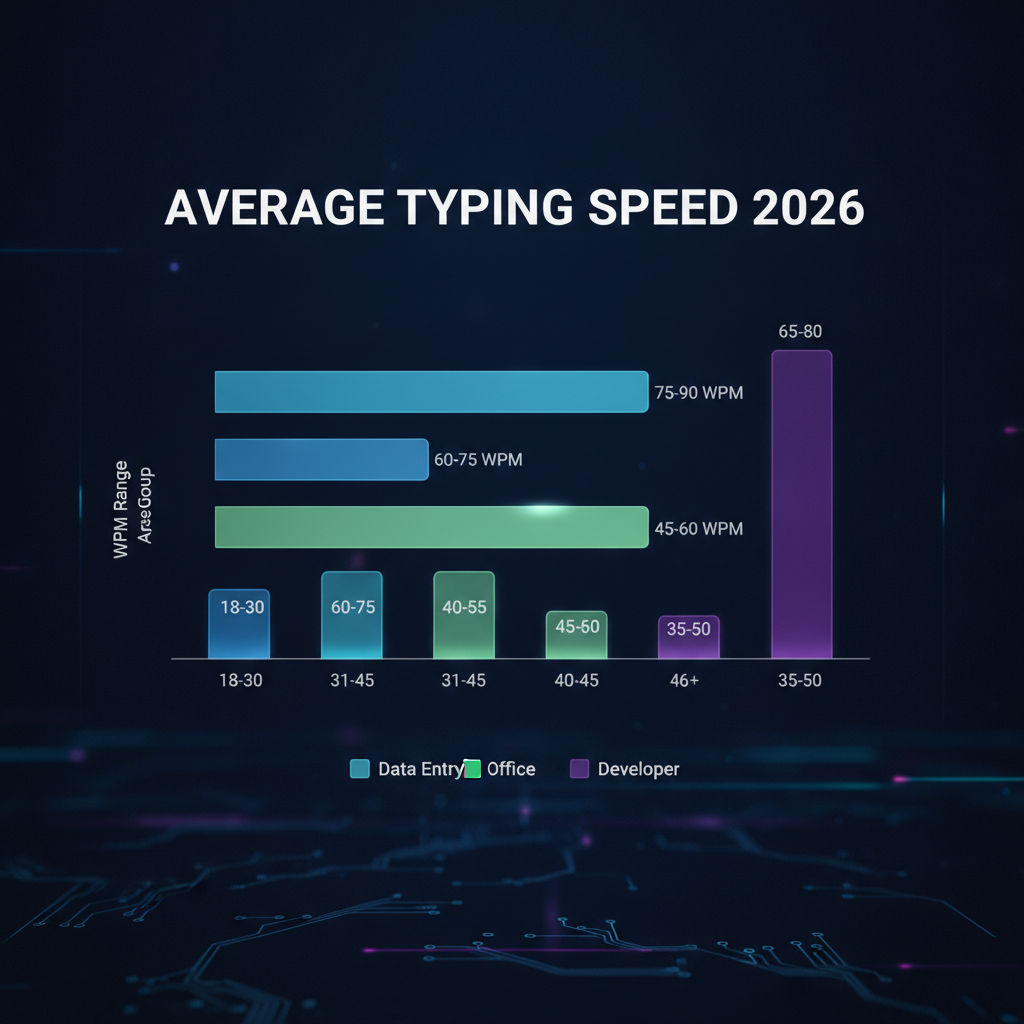
How Fast Should You Type? Average WPM by Age and Job
Average typing speed by age (8 to 55+) and by profession (data entry to journalism to govt exams) — with real benchmarks from 2026 platform data and how to check where you stand.
How to Learn Keyboard Typing from Scratch (Complete Beginner Guide)
Complete beginner's guide to keyboard typing — no special equipment needed, home row foundation, first-week drill plan, and the 4 habits that determine whether you succeed.